I'm not seeing the HTML export on the desktop version of Kindle (from 2015) on my work laptop at the moment, but I'm positive it's hiding somewhere on my desktop machine, which is currently out of commission for some quirky problems. When I get it running, I'll try to document the feature as I don't think I've seen it mentioned anywhere else and it was tremendously easy and helpful.

I hadn't tried Bookcision as I'd stumbled across what I supposed was an easy answer, but there are a few edge cases for non-Amazon books in my collection that might benefit from using it as Amazon doesn't always play well with content that doesn't originate from the "mothership".

A while back, I'd bookmarked http://the-digital-reader.com/2015/02/21/how-to-download-your-kindle-notes-and-highlights-and-export-them/ as one of the better articles explaining most of the pathways currently available. If I remember the comments were relatively helpful as well.

For general file conversion you might appreciate Pandoc: http://pandoc.org/

There are also some in the community who have tools (like Kevin Marks' http://www.unmung.com/ ) which can do inter-conversion. I can't recall specifics at the moment, but someone in the chat will likely know of the others, or you can search github to find some of the opensource ones https://github.com/search?q=indieweb&ref=opensearch (it can be an interesting browse in general for things you didn't know you needed/wanted).

Finally, I liked the teleprompter.css hint for marked2, but if you've not come across it, I often read newspaper, magazine articles, and fiction on my mobile using RSVP-related technology (Rapid Serial Visual Presentation) which has been patented (though I'm not so sure it's enforcable) by http://spritzinc.com/get-spritz and for which there are multiple apps floating around for multiple platforms. My favorite thus far is Balto-reader which I think may only be available in the Amazon store, but it's one of the few I've found that can break through Amazon's encryption to allow using Spritz-like technology on my Kindle Fire or Android Phones. I don't recommend using it to read technical documents or passages which require more thought, but it's lovely on mobile and has a nice bookmarklet for reading web-based articles quickly. If it's something you think you'd use, but you can't find something that can access Amazon books, let me know and I can suggest some workarounds that will allow Amazon book access.


Jeremy, glad you figured it out. If you sync your books/notes to the Kindle desktop app, you can also alternately export your notes and highlights from individual texts as raw html with one of their interface buttons. You can then more easily cut and paste into your own site. With a bit of modified CSS magic, you can format it as you like, thus: http://boffosocko.com/2012/06/17/big-history/

Your clippings file isn't bad, but doesn't sync across devices, so you have to export from each of your devices if you use multiple, and they're also time ordered, so if you read multiple things at once, or interspersed, it makes for more processing between titles. There's also a service called https://www.clippings.io/ which may give you some better raw data, though I think they charge a fee for some services.

See also http://indieweb.org/read for other ideas.


The nice part too is that at the end of the day you own and host your own data. In a similar vein, one might also look at Calibre [https://calibre-ebook.com/], which is free software that is somewhat like iTunes for books/e-books. It's highly configurable and in addition to also archiving and storing actual ebook versions of your books (and magazines, newspapers, or other digital files), it allows for additional common metadata or even custom fields. It also has a variety of plugins including one for GoodReads which allows you to sync your book data from GoodReads to your own computer/server.


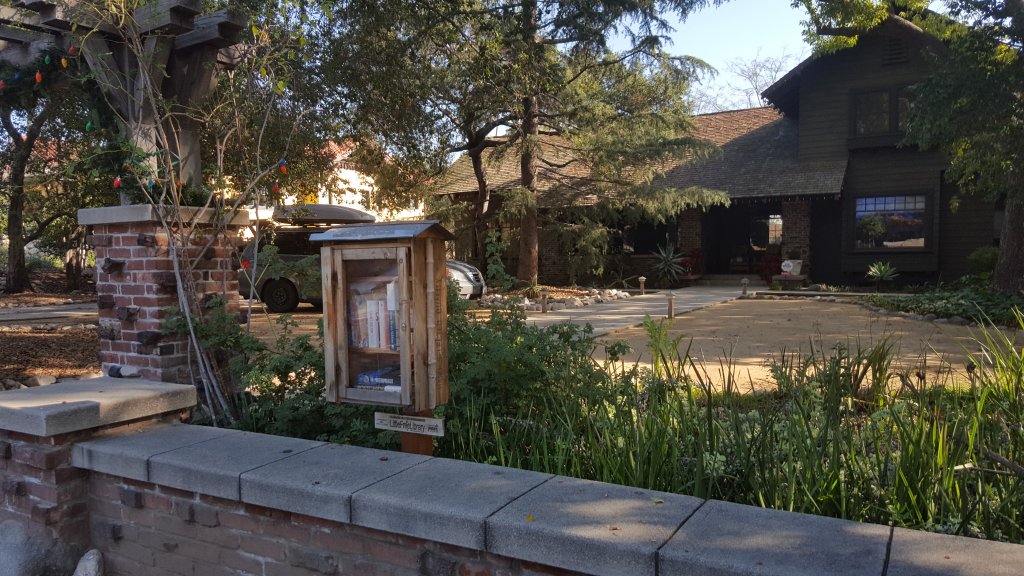
Checked into Little Free Library #15288

#15288" />

Dropping off the last 5 books in my car!


Checked into Little Free Library #20820

#20820" />

Took one book, left 10 books.


Checked into Little Free Library #4158

#4158" />

Take a book, leave 10 books.


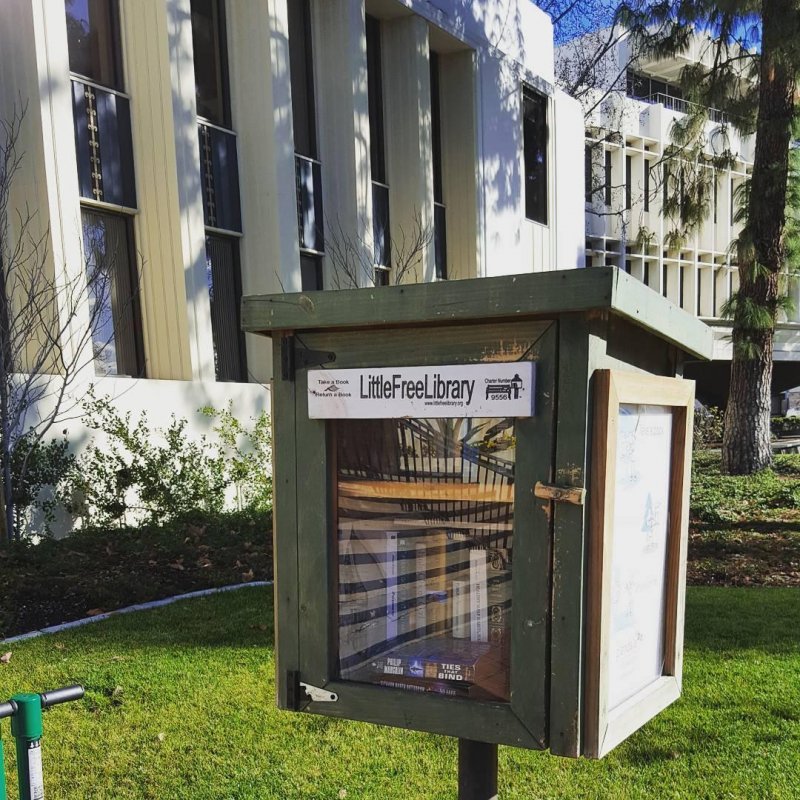
Checked into City Hall Little Free Library #9556

#9556" />

Dropped off about 15 books to restock this empty library.